Great Detail · Simulator Software
Awesome Golf
Awesome Golf is a simulator and practice app that turns a compatible launch monitor into a full golf gaming setup on your phone, tablet, or PC. It was built to be approachable for everyone, not just serious golfers, so it pairs deep practice tools with arcade-style games that work for families and kids.
The app offers 13 game modes across four groups: Range, Challenges, Shootouts, and Virtual Golf. On the range you get shot-by-shot data with distances, speeds, spin, and club path, plus dedicated modes for dialing in club distances, approach shots from 30 to 275 yards, and a customizable coaching dashboard. The fun side includes nearest-the-pin and longest-drive challenges, plus shootouts like Super Splash, Boat Blast, Wrecking Balls, and Get in the Hole.
Virtual Golf lets you play rounds on seven licensed real championship courses, including Wentworth West, Emirates Majlis, and Doral Blue Monster, alongside original nine-hole layouts, with five tee positions per course and stroke play, match play, skins, and team formats.
Stats sync to the free Awesome Golf Community app and the Insights web dashboard, where global leaderboards and monthly worldwide competitions keep things competitive. One license works across iOS, Android, PC, and Mac, and every new user gets a 14-day free trial once their launch monitor is connected.
Pricing:
- Plans
- $159.99/year, $14.99/month, $349.99 lifetime (one-time)
- Free trial
- 14 days, starts when the app first connects to your launch monitor
- Courses
- 7 licensed real 18-hole courses plus 5 original 9-hole courses
- Real courses
- Wentworth West, Emirates Majlis, Doral Blue Monster, Mission Hills Blackstone, Longleaf, Banff Springs, Sunningdale Heath
- Game modes
- 13 across Range, Challenges, Shootouts, Virtual Golf
- Local multiplayer
- Stroke, match, skins, and team formats, 1 to 9 holes
- Online play
- Global leaderboards, monthly worldwide challenges, stats in the Community app and Insights dashboard
- License scope
- One license works across iOS, Android, PC, and Mac; each launch monitor needs its own license
- Platforms
- iOS 15.0+, iPadOS 15.0+, Android, Windows 10+, macOS (Apple Silicon), ChromeOS, visionOS
- Device pairing
- Direct in-app connection; Garmin and Rapsodo devices can use the free Awesome Golf Assistant app; FlightScope cannot connect on Mac
- Developer
- Great Detail Limited, England
- Current version
- v3.11.0
Details last reviewed on Oct 21, 2026. We may earn a commission — it never affects our guides.
Will it run on my PC?
Light hardware demands. If your device can run a modern app store build, it can run Awesome Golf.
Awesome Golf is built for modest hardware and runs natively on phones and tablets, so it does not need a gaming PC. The official site publishes only OS-level minimums, not CPU, GPU, or RAM specs.
System requirements
Official specs from Great Detail. Check their site for the latest before buying hardware.
- OS
- Minimum: Windows 10+ (x64, x32, ARM); iOS 15.0+; iPadOS 15.0+; macOS 12.0+ on Apple Silicon; ChromeOS; visionOS 1.0+
- Recommended: Not published
- CPU
- Minimum: Not published
- Recommended: Not published
- GPU
- Minimum: Not published
- Recommended: Not published
- RAM
- Minimum: Not published
- Recommended: Not published
- Storage
- Minimum: 1.6 GB (iOS app size, App Store)
- Recommended: Not published
- Internet
- Minimum: Required for setup; offline works except stats tracking, leaderboards, and competitions
- Recommended: Not published
- Display
- Minimum: Works on phone, tablet, or PC screen
- Recommended: Not published
Works with
Compatible simulators
Launch monitors that connect to Awesome Golf. Some need a paid connector or a membership from the maker.
- Free connector

Bushnell
Launch Pro
$2,999.00View deal → - Free connector
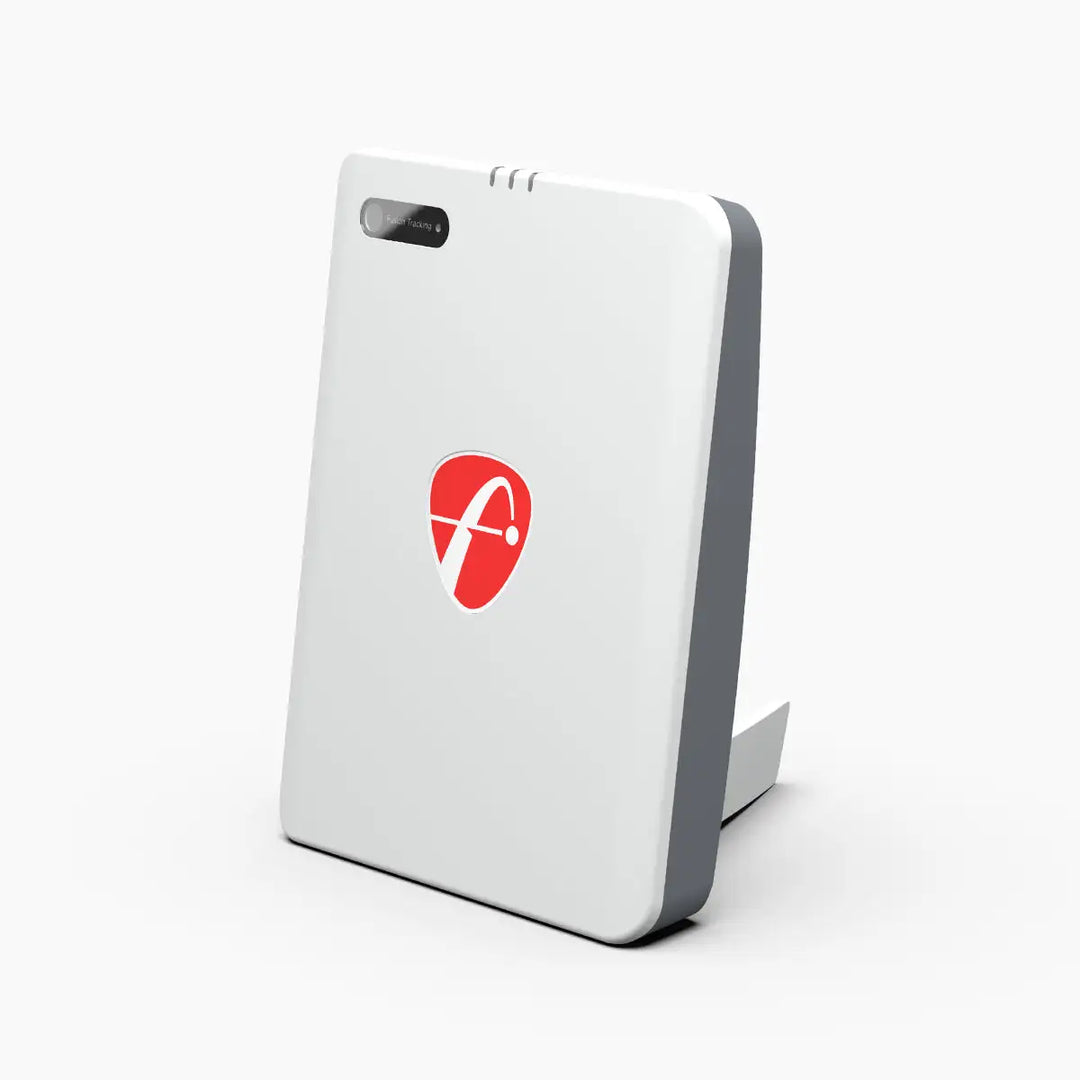
FlightScope
Mevo Gen2
$1,299.00View deal → - Free connector

Garmin
Approach R10
$499.99View deal → - Free connector

Garmin
Approach R50
$4,999.99View deal → - Free connector

Foresight Sports
GC3
$3,999.00View deal → - Free connector

Foresight Sports
GCQuad
$15,999.00View deal → - Free connector

Rapsodo
MLM2PRO
$549.99View deal → - Free connector

Square Golf
Home Edition
$699.99View deal → - Free connector

Square Golf
Omni Edition
$1,599.00View deal → - Free connector

Uneekor
EYE MINI
$2,999.00View deal →
Golfer's guide
Awesome Golf questions & answers
Straight answers to what golfers ask about Awesome Golf, from course downloads to keyboard shortcuts.
Courses
3 answersHow many courses does Awesome Golf include?
Seven licensed real 18-hole championship courses plus original 9-hole courses built by Awesome Golf. The official docs list five 9-hole courses (Isla Verde, Spring Park Hills, Island Beach, Desert Canyon, Valley Pines); the homepage says four, so the exact count may shift as content is added.
Which real courses are included?
The West Course at Wentworth, the Majlis Course at Emirates Golf Club, the Blue Monster at Doral, Blackstone at Mission Hills, Longleaf, Banff Springs, and Sunningdale Heath.
Can players of different skill levels enjoy the same round?
Yes. Each 18-hole course offers five tee positions, and shorter tees remove hazards, so kids, beginners, and low handicaps can play together. Multiple tee positions also balance friendly matches.
Controls & shortcuts
2 answersDoes Awesome Golf support keyboard shortcuts on PC?
Yes. The official support docs include a Keyboard Shortcuts guide for navigating the Windows version faster.
Can I change clubs and aim easily on touch screens?
Yes. The mobile interface is touchscreen-first: you select your club and aim on one screen, and swiping changes your aim direction. The app is mobile-first and runs natively on phones and tablets.
Setup & connection
5 answersHow do I connect my launch monitor?
Open the app, connect to your launch monitor from the main menu, and start hitting. The 14-day free trial starts once the connection is made.
How does the Garmin Approach R10 connect?
The R10 pairs with the Garmin Golf app on your phone, and Awesome Golf connects through that pairing. If direct connection to a Mac fails, the free Awesome Golf Assistant app can bridge the connection.
How does the Garmin Approach R50 connect on PC?
The R50 connects directly to Awesome Golf on your computer as long as both devices are on the same Wi-Fi network.
What is the Awesome Golf Assistant app for?
A free helper app that connects your launch monitor to external devices. It is used for Garmin and Rapsodo devices, mainly when a direct connection does not work.
Does Awesome Golf work on a Mac with a FlightScope launch monitor?
No. FlightScope devices cannot be connected to macOS. All other supported brands (Garmin, Rapsodo, Foresight, Square, Bushnell, Uneekor) work on Apple Silicon Macs.
Gameplay & modes
3 answersHow many game modes are there?
13: four Range modes (Shot By Shot, Club Distances, Coaching, Approach Shots), four Challenges (Closest To The Pin, Longest Drive, Target Golf, Skills Challenge), four Shootouts (Super Splash, Boat Blast, Wrecking Balls, Get in the Hole), and Virtual Golf.
Can I play matches with friends?
Yes, locally. Virtual Golf matches run from one to nine holes with stroke play, match play, or skins, plus scramble, better ball, and alternate shots team formats. Multiple tee positions balance the field.
What distances can I practice in Approach Shots mode?
From 30 to 275 yards, hitting over bunkers, water, and trees.
Pricing & license
5 answersHow much does Awesome Golf cost?
Monthly $14.99, annual $159.99, or a lifetime license for $349.99 (one-time). Tax is not included. The app is free to download with in-app purchases.
Is there a free trial?
Yes, a 14-day free trial is built in and starts after you connect Awesome Golf to your launch monitor. There is no permanent free tier.
Do I need a separate license for each device I own?
No. All Awesome Golf licenses are multi-platform: one license works on PC, iOS, iPadOS, macOS, Android, and ChromeOS.
Do I need a separate license for each launch monitor?
Yes. Each launch monitor requires its own license. If you replace your launch monitor with another compatible one, contact support to transfer the license. For multi-bay commercial installations, ask support about the enhanced driving-range version.
What happens after the free trial ends?
You choose a monthly, annual, or lifetime membership and complete the purchase through your app store (Google Play on Android, Paddle on PC). Until you subscribe, the software will not run rounds with your launch monitor.
Online play
2 answersDoes Awesome Golf have online leaderboards?
Yes. Full individual stroke-play rounds (all holes, no mulligans) post to global in-game leaderboards. You must play as a registered user, not a guest, and need an internet connection for scores to upload.
Are there online competitions?
Yes. Awesome Golf hosts monthly worldwide challenges and in-game global competitions you can enter and track through the app, the Community app, or the Insights website.
Troubleshooting
3 answersWhy won't my launch monitor connect?
First update to the latest app version. For Garmin and Rapsodo devices, try the free Assistant app if the direct connection fails. For FlightScope owners, keep both Wi-Fi and mobile data enabled on your phone. Mac users should note FlightScope cannot connect to macOS at all.
Does Awesome Golf work without internet?
Yes, but some features will be unavailable: stats tracking, leaderboards, and competitions all require a connection.
Where do I get help?
The support desk is at insights.awesome-golf.com/support with FAQs, setup guides, and connection guides, or email support@awesome-golf.com. Support hours are 9am to 5pm UK time, Monday to Friday.


