TruGolf · Simulator Software
E6 Connect
E6 Connect by TruGolf is the long-running golf simulation platform behind a large share of home and commercial simulators. It pairs with more than 18 launch monitors and runs on Windows PC or iOS, so you can play on a full simulator PC or from an iPad. The Home license is a one-time $1,000 purchase with 27 owned courses and no annual subscription. The Basic subscription is $300 per year and adds rotating course content through the year. The Expanded subscription is $600 per year and opens the full E6 course library with no rotation. Practice tools include 17 practice areas and scoring zones, plus mini games for family play. Commercial operators can add the Commercial Suite with the Clubhouse module for member management, leagues, and tournaments.
Pricing:
- Developer
- TruGolf
- Platforms
- Windows PC, iOS
- Starting price
- $300 per year (Basic subscription)
- Home license
- $1,000 one-time, 27 owned courses, no annual subscription
- Expanded subscription
- $600 per year, full course library
- Practice areas
- 17
- Players
- Up to 8 local or online
- Modes of play
- 8+ modes plus mini games
- Graphics
- 4K, LiDAR-mapped courses
- Launch monitors
- 18+ supported
- Online play
- Peer-to-peer play, tournaments, leagues
- Course Designer
- Create and share custom courses
Details last reviewed on Oct 17, 2026. We may earn a commission — it never affects our guides.
Will it run on my PC?
E6 Connect system requirements
Modest by modern standards: a GTX 1070 class GPU is enough. TruGolf publishes minimum specs only, so the Recommended column below is marked Not published rather than guessed.
System requirements
Official specs from TruGolf. Check their site for the latest before buying hardware.
- CPU
- Minimum: Intel i5 processor
- Recommended: Not published
- GPU
- Minimum: Nvidia GTX 1070 or equivalent, dedicated GPU with DirectX 11 support
- Recommended: Not published
- RAM
- Minimum: 8 GB
- Recommended: Not published
- Storage
- Minimum: 25 GB hard drive space
- Recommended: Not published
- OS
- Minimum: Windows 10 64-bit
- Recommended: Not published
- Internet
- Minimum: Internet connection required
- Recommended: Not published
- iOS devices
- Minimum: iPad Pro 1st generation or newer, iPad Air 2019, or iPhone 8 or newer
- Recommended: Not published
Works with
Compatible simulators
Launch monitors that connect to E6 Connect. Some need a paid connector or a membership from the maker.
- Requires subscription

Foresight Sports
GC3
$3,999.00View deal → - Requires subscription

Foresight Sports
GCQuad
$15,999.00View deal → - Free connector

Foresight Sports
Falcon
$16,999.00View deal → - Requires subscription

Bushnell
Launch Pro
$2,999.00View deal → - Requires subscription

Uneekor
EYE MINI LITE
$1,999.00View deal → - Requires subscription

Uneekor
EYE MINI
$2,999.00View deal → - Requires subscription

Uneekor
EYE XO
$6,499.00View deal → - Requires subscription

Uneekor
EYE XO2
$10,999.00View deal → - Free connector

Garmin
Approach R10
$499.99View deal → - Free connector

Garmin
Approach R50
$4,999.99View deal → - Free connector
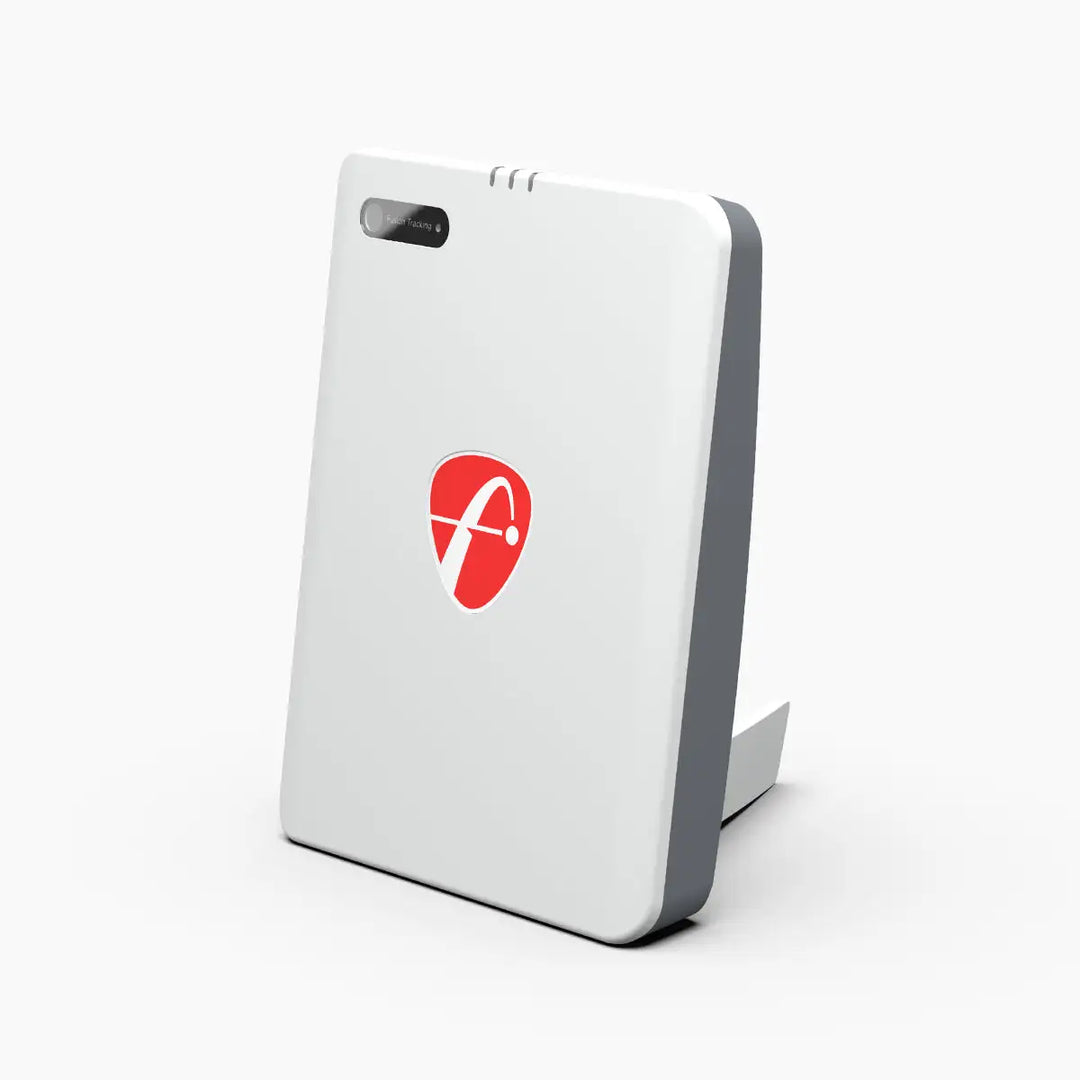
FlightScope
Mevo Gen2
$1,299.00View deal → - Free connector
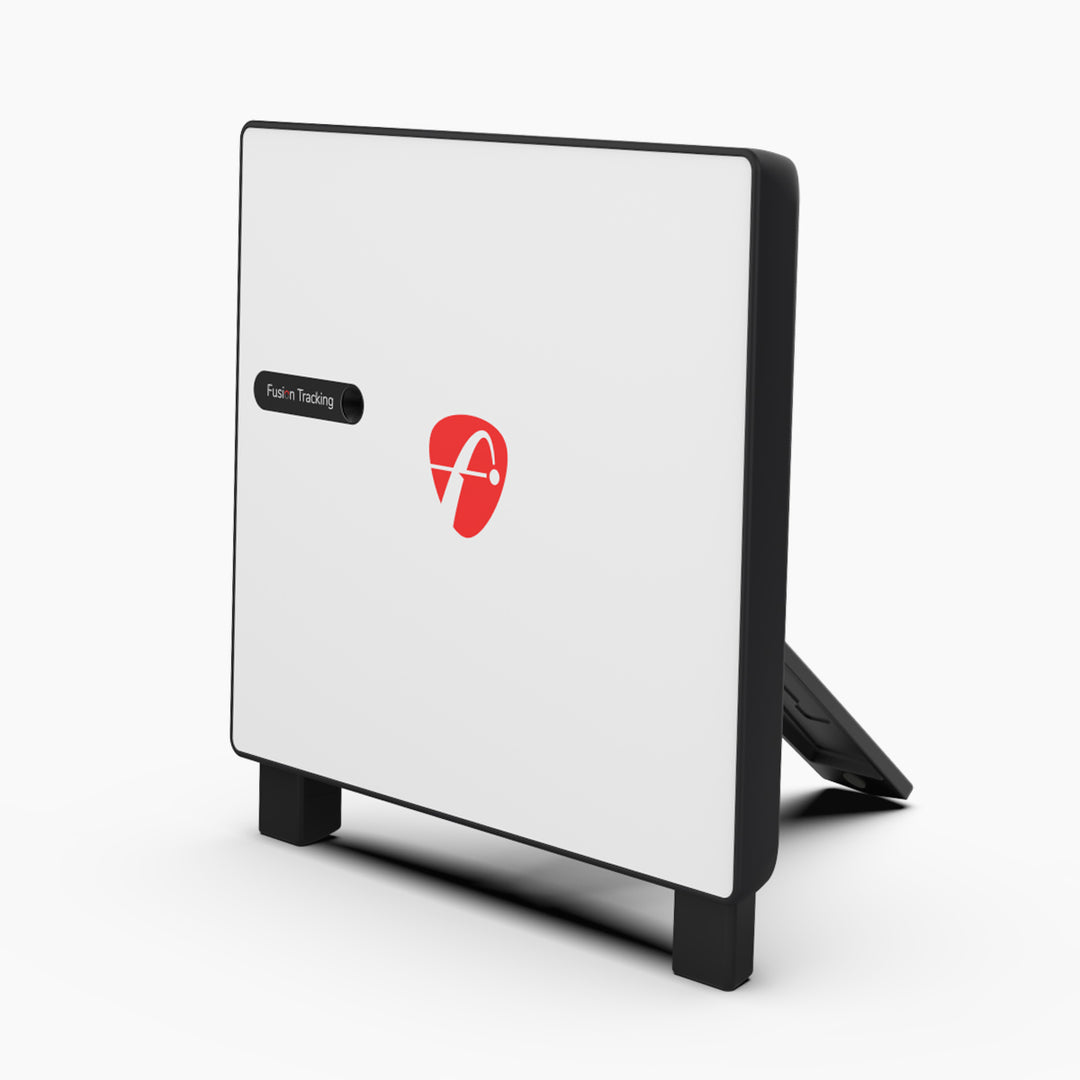
FlightScope
X3C
$13,495.00View deal → - Requires subscription

SkyTrak
ST MAX
$1,695.00View deal → - Requires subscription

Rapsodo
MLM2PRO
$549.99View deal → - Requires subscription

Full Swing
KIT
$4,999.00View deal →
Golfer's guide
E6 Connect questions & answers
Straight answers to what golfers ask about E6 Connect, from course downloads to keyboard shortcuts.
Courses
4 answersHow many courses does E6 Connect include?
The Home license includes 27 owned courses. The Basic subscription adds rotating course content through the year, and the Expanded subscription opens the full E6 course library.
Does E6 Connect include premium courses like Pebble Beach?
Premium course packs, such as the Pebble Beach Resort Pack, are sold separately and are not part of the Basic or Expanded subscription.
Are E6 Connect courses realistic?
Yes. Courses are LiDAR-mapped digital recreations accurate within centimeters of their real-world counterparts, rendered in up to 4K, with a physics engine refined over 30 years.
Can I build my own courses in E6 Connect?
Yes. The Course Designer lets you create your own courses and share them online.
Controls & shortcuts
2 answersWhat in-game settings can I change during play?
E6 Connect gives you in-game control over elevation, atmospheric conditions, and gameplay settings, so you can tailor wind, weather, and conditions to your round.
How many players can play on one simulator?
Up to 8 players can play locally or online, with play passing from one golfer to the next.
Setup & connection
5 answersHow do I install E6 Connect?
Download E6 Connect from TruGolf's downloads page or the E6 portal, create an E6 player profile, and activate your license. On iOS, download E6 Connect from the App Store, sign up, and redeem your product key.
Do I need an internet connection to use E6 Connect?
Yes. An internet connection is required for downloads, activation, and online features such as events and peer-to-peer play.
Does E6 Connect work on Mac or Android?
No. E6 Connect runs on Windows PC and iOS (iPhone and iPad) only.
Which launch monitors work with E6 Connect?
E6 Connect pairs with more than 18 launch monitors, including models from Foresight, Uneekor, FlightScope, Garmin, SkyTrak, Rapsodo, and Full Swing. See the compatible simulators list on this page.
Do I need anything besides the E6 subscription to connect my launch monitor?
It depends on your launch monitor. SkyTrak owners need a SkyTrak plan, Uneekor owners need a Uneekor subscription, Rapsodo MLM2PRO owners need a Rapsodo Premium membership, Foresight owners buy a separate E6 Connect for FSX license through Foresight, and Full Swing KIT owners buy E6 through Full Swing. Garmin and FlightScope owners connect with no extra launch monitor subscription.
Gameplay & modes
4 answersWhat game modes does E6 Connect offer?
Traditional modes include Stroke, Scramble, Best Ball, Stableford, and Match Play. Mini games include Closest to the Pin, Long Drive, Demolition Driving Range, 301, Darts, and Blackout.
Does E6 Connect have practice ranges?
Yes. It includes 17 practice areas covering driving, chipping, and putting, plus scoring zones for dialing in the shots that lower scores.
Is E6 Connect fun for families and casual players?
Yes. Mini games such as Darts, Blackout, Longest Drive, and Closest to the Pin are built for casual and family play alongside full rounds.
What is Demolition Driving Range?
A mini game mode in E6 Connect where you smash targets on the range.
Pricing & license
4 answersHow much does E6 Connect cost?
Three options: the Home license is a one-time $1,000 purchase with 27 owned courses and no annual subscription. The Basic subscription is $300 per year, and the Expanded subscription is $600 per year. TruGolf shows its own prices after login, and the figures here are corroborated by authorized retailers.
What is the difference between Basic and Expanded?
Basic includes the 27 courses plus content that rotates through the year. Expanded opens the full E6 course library with no rotation, so every course is available all the time.
Is there a commercial license for a golf facility?
Yes. The E6 Connect Commercial Suite adds member management, league and tournament creation, handicap adjustment, and the Clubhouse module for running a simulator business.
Does the Home license ever expire?
No. The Home license is a one-time purchase with 27 owned courses and no annual subscription. Online events and rotating content require an active subscription.
Online play
3 answersCan I play against friends online?
Yes. E6 Connect supports peer-to-peer play with up to 8 players locally or online, so you can compete with golfers around the world in real time.
Does E6 Connect run online tournaments?
Yes. You can compete in online events, national tournaments, and skills challenges against other E6 golfers.
Can I run a league in E6 Connect?
Yes. The Commercial Suite includes league and tournament creation through the Clubhouse module, with scores, handicaps, and usage data tracked in the web portal.
Troubleshooting
3 answersE6 Connect will not start. What should I check?
Confirm your PC meets the minimum requirements: Windows 10 64-bit, Intel i5 processor, 8 GB RAM, and a dedicated GPU with DirectX 11 support. Also check your internet connection and that your E6 license is active.
My launch monitor is not connecting. What should I check?
Confirm the launch monitor is powered on and paired or cabled to your PC or iOS device, that the launch monitor's own app or subscription is active, and that your E6 license is active. Foresight owners connect through FSX, and Full Swing KIT owners pair over Bluetooth to iPhone or iPad.
E6 Connect runs poorly on my iPad or iPhone. What should I check?
E6 Connect needs an iPad Pro 1st generation or newer, iPad Air 2019, or iPhone 8 or newer. Older or weaker devices may run poorly. On PC, check that your GPU meets the minimum requirement.

