Rapsodo · Simulator Software
Rapsodo Studios
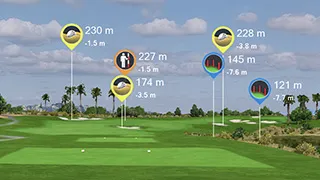
Rapsodo Studios is golf simulator software for Windows PC that plays precision-scanned 4K courses through the Rapsodo Golf for PC app. Its standout feature is ultra-premium 4K course graphics built from licensed courses with authentic branding and real course data.
Studios is a membership tier inside the Rapsodo Golf for PC app, not a separate app. It includes everything in the Rapsodo Core membership, plus the full Studios 4K course library and On-Course Practice on a compatible PC.
At launch the library holds 25 precision-scanned courses, with more added on a rolling basis. Named courses include Bethpage Black, Tobacco Road, Quail Hollow, and Payne's Valley. Ball physics are tuned to match real ball flight, bounce, and roll.
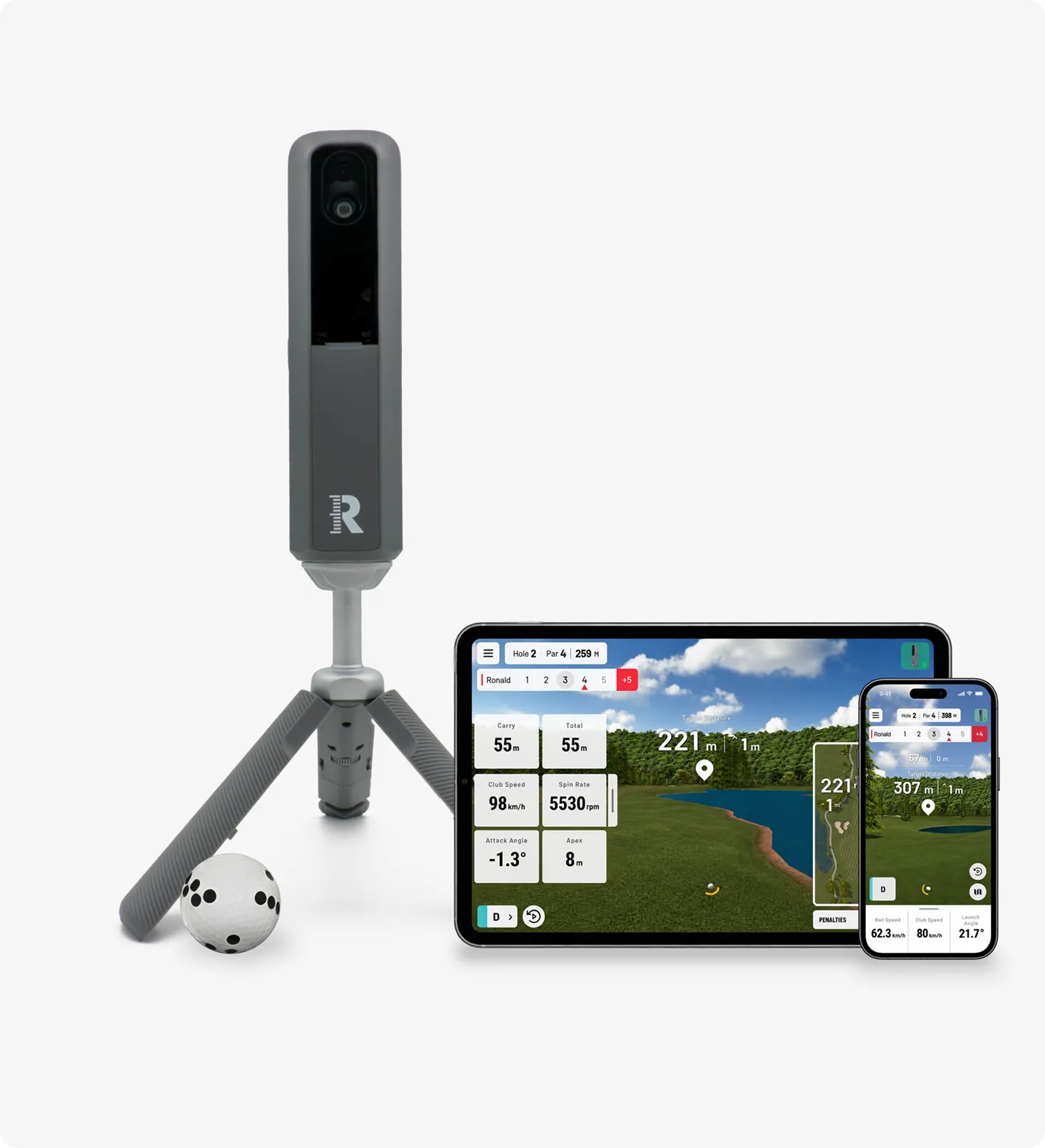
Group play is built in, with sub accounts for up to four golfer profiles, junior tees, variable pin locations, tournament play, and leaderboards. It is aimed at Rapsodo MLM2PRO and MLM2XPRO owners who want a big screen, premium course experience at home rather than phone only play.
Pricing:
- Launched
- Launched October 15, 2026, with the MLM2XPRO and the new Rapsodo Golf apps
- What it is
- A membership tier inside the Rapsodo Golf for PC app, not a standalone app
- Course library
- 25 precision-scanned 4K courses at launch, more added on a rolling basis
- Named courses
- Includes Bethpage Black, Tobacco Road, Quail Hollow, and Payne's Valley
- Graphics
- Ultra-premium 4K graphics with licensed courses, authentic branding, and real data
- Physics
- Ball flight, bounce, and roll tuned to match real course behavior
- Profiles
- Up to four golfer profiles with sub accounts for families and groups
- Play features
- Variable pins, junior tees, tournament play, leaderboards, On-Course Practice
- Core included
- Includes everything in the Rapsodo Core membership
- Works with
- Rapsodo MLM2PRO and MLM2XPRO launch monitors only
- Connection
- Launch monitor connects to the PC with a USB-C cable
- Platform
- Windows PC only, no Mac version
Details last reviewed on Oct 31, 2026. We may earn a commission — it never affects our guides.
Will it run on my PC?
PC recommendations for HD and 4K play
Rapsodo publishes two tiers. The rows below are the HD tier. For 4K play, Rapsodo lists a higher minimum: Windows 11 64-bit, Intel Core i7 6700 or AMD Ryzen 5 5600 or better, NVIDIA GeForce RTX 5080 16 GB VRAM or AMD Radeon RX 9070 XT 16 GB VRAM or better, 32 GB RAM, and an SSD with at least 50 GB free space. The recommended 4K setup is Windows 11 64-bit, Intel Core i7 7700 or AMD Ryzen 7 7700X or better, NVIDIA GeForce RTX 5090 32 GB VRAM or AMD Radeon RX 7900 XT 24 GB VRAM or better, 64 GB RAM, and an SSD with at least 50 GB free space. If a PC meets only the HD tier, play in HD rather than 4K.
System requirements
Official specs from Rapsodo. Check their site for the latest before buying hardware.
- Operating system
- Minimum: Windows 10 64-bit
- Recommended: Windows 11 64-bit
- CPU Intel
- Minimum: Intel Core i5 6600K or better
- Recommended: Intel Core i5-12400 or better
- CPU AMD
- Minimum: AMD Ryzen 5 3600 or better
- Recommended: AMD Ryzen 5 5600 or better
- GPU NVIDIA
- Minimum: GeForce RTX 3060 8 GB VRAM or better
- Recommended: GeForce RTX 3060 Ti 8 GB VRAM or better
- GPU AMD
- Minimum: Radeon RX 5700 XT 8 GB VRAM or better
- Recommended: Radeon RX 6700 XT 12 GB VRAM or better
- RAM
- Minimum: 16 GB
- Recommended: 32 GB
- Storage
- Minimum: Minimum 50 GB free space
- Recommended: Minimum 50 GB free space
Works with
Compatible simulators
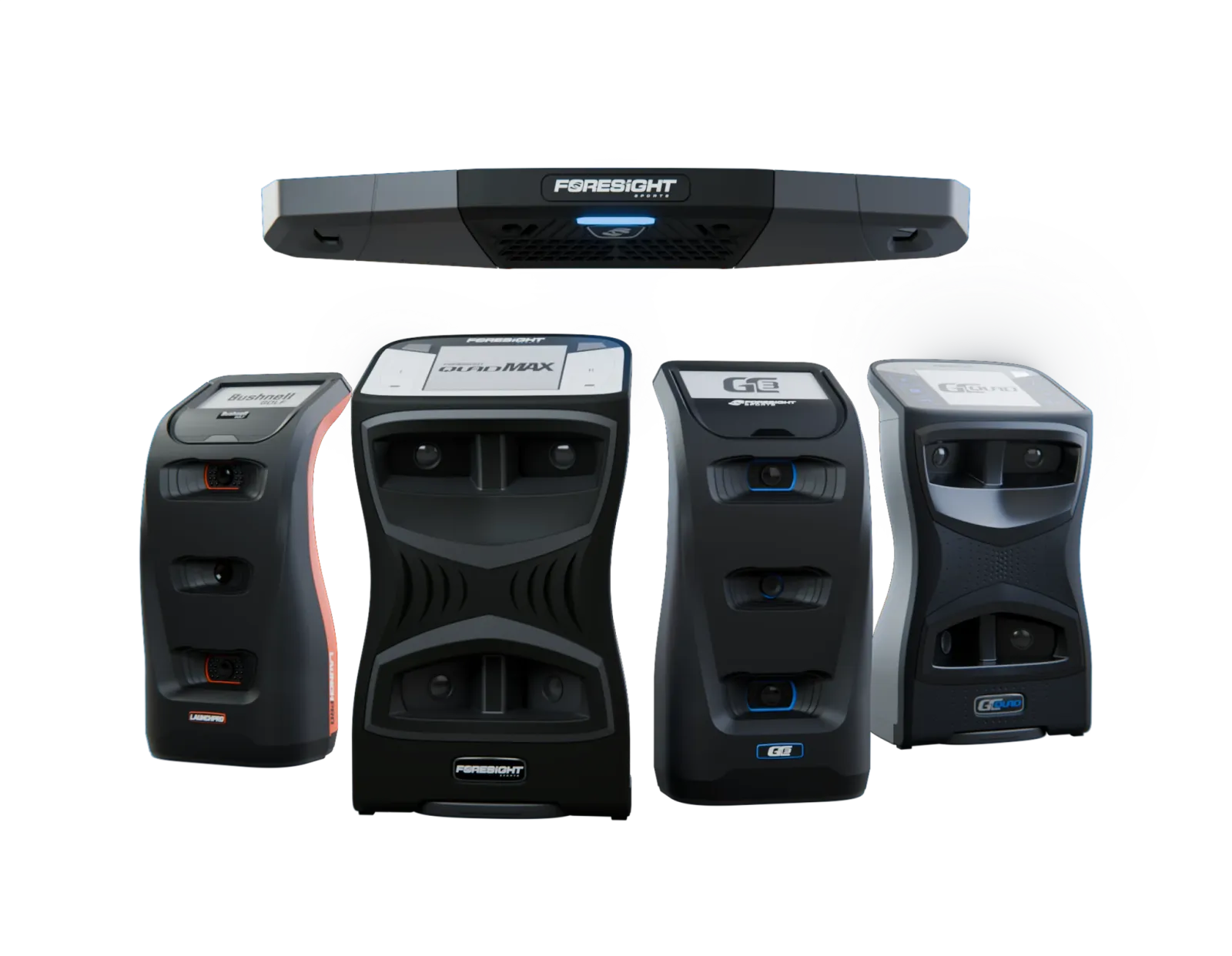
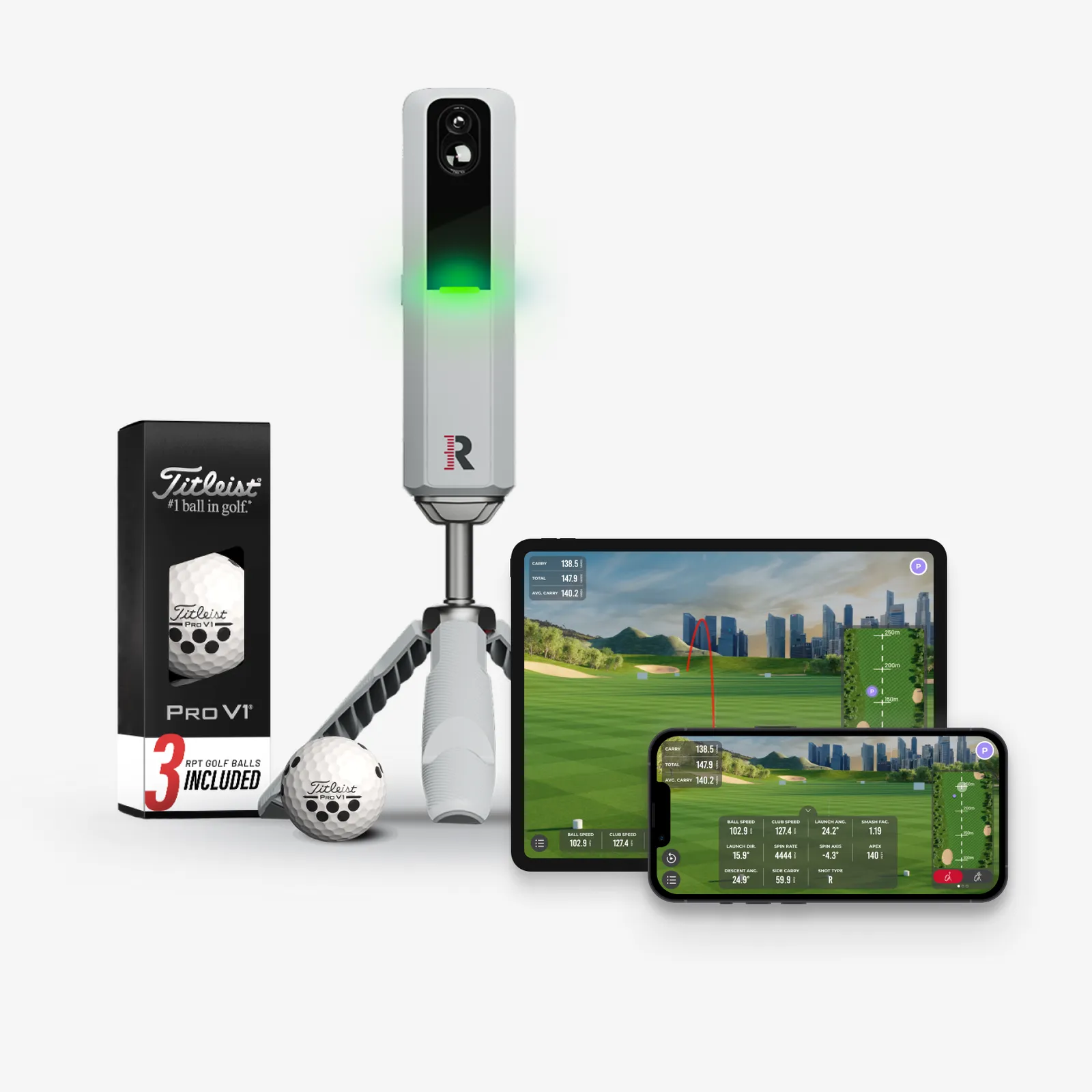
Launch monitors that connect to Rapsodo Studios. Some need a paid connector or a membership from the maker.
Golfer's guide
Rapsodo Studios questions & answers
Straight answers to what golfers ask about Rapsodo Studios, from course downloads to keyboard shortcuts.
Courses
4 answersHow many courses does Rapsodo Studios include?
25 precision-scanned 4K courses at launch, with more added on a rolling basis. Rapsodo has published only a few course names so far, including Bethpage Black, Tobacco Road, Quail Hollow, and Payne's Valley, and has not published the full list of 25.
Are Studios courses the same as the 30,000 plus Rapsodo Courses?
No. The 30,000 plus simulated courses come with the Core membership. Studios adds a separate premium library of 25 precision-scanned 4K courses with licensed branding and real course data.
Will Rapsodo add more Studios courses?
Yes. Rapsodo says new Studios courses will be added on a rolling basis to expand the library.
Can I preview Rapsodo Studios before paying for it?
There is no standalone Studios trial published. A new MLM2XPRO includes a 21-day free trial of Core, which includes a preview of two Studios 4K courses, each playable up to three times.
Controls & shortcuts
4 answersHow do I start a Studios round on PC?
Download the Rapsodo Golf for PC installer from the Studios page, install it, open the app and log in, connect your launch monitor to the PC with a USB-C cable, then choose a Studios course.
Can I change pin positions in Rapsodo Studios?
Yes. Variable pin locations are part of the Studios experience, so the same course can play differently from round to round.
Does Rapsodo Studios have junior tees?
Yes. Junior tees are offered for family and group play, alongside sub accounts and tournament play.
Does Rapsodo publish a keyboard shortcut list for the PC app?
No published keyboard shortcut list was found for the Rapsodo Golf for PC app. Use the on-screen controls in the PC app rather than assuming shortcuts from other simulator software.
Setup & connection
5 answersWhat do I need to use Rapsodo Studios?
A compatible Windows PC, a Rapsodo MLM2PRO or MLM2XPRO launch monitor, the free Rapsodo Golf for PC app download, a USB-C cable, and an active Rapsodo Studios membership.
Is Rapsodo Studios a separate app?
No. The app is Rapsodo Golf for PC. Rapsodo Studios is a membership tier that works exclusively on PC inside that app.
Does Rapsodo Studios work on a Mac?
No. Rapsodo Golf for PC works only on Windows computers.
How do I connect my launch monitor to the PC?
Connect your MLM2PRO or MLM2XPRO to the PC with a USB-C cable, as shown in Rapsodo's setup steps, then open the PC app and log in.
Do I need to upgrade my MLM2PRO to use Studios?
No. Rapsodo says you do not need to upgrade your device to use the PC app, and the PC app works with both the MLM2PRO and the MLM2XPRO.
Gameplay & modes
3 answersWhat can I play in Rapsodo Studios?
Full rounds on the 25 precision-scanned 4K courses at launch, plus On-Course Practice on a compatible PC.
Can my family play together in Studios?
Yes. Studios includes sub accounts with family member profiles for up to four golfers, plus junior tees, variable pins, tournament play, and leaderboards.
How realistic is ball flight in Studios?
Rapsodo says its physics are tuned to match real ball flight, bounce, and roll, so shots react to the ground the way golfers expect on the real course.
Pricing & license
5 answersHow much does Rapsodo Studios cost?
A Rapsodo Studios membership costs 399.99 dollars per year. That total includes everything in the Core membership, plus the full Studios 4K course library and On-Course Practice on a compatible PC.
Is Studios an extra charge on top of Core?
No. The Studios membership price is the total yearly price, and it includes everything in Core. It is not Core plus a second fee.
Do I need anything besides the subscription to connect my launch monitor?
Yes. You still need a Rapsodo MLM2PRO or MLM2XPRO unit, bought separately, plus a compatible Windows PC and a USB-C cable. The Studios membership is the license, the launch monitor itself is not included.
Is there a free trial for Rapsodo Studios?
No standalone Studios trial is published. The trial tied to a new MLM2XPRO is a 21-day Core trial, which includes the limited Studios preview described in the courses section.
What does Core cost on its own, for comparison?
Rapsodo Core costs 199.99 dollars per year. Core includes 15 metrics, up to two golfer profiles, eight advanced practice experiences, three levels of video feedback, and access to 30,000 plus simulated courses across the mobile and PC apps.
Online play
3 answersCan I play online against other golfers in Studios?
Rapsodo describes tournament play and leaderboards for Studios, but it has not detailed a remote head to head online mode. Do not assume live remote head to head play until Rapsodo publishes it.
Does Studios have leaderboards?
Yes. Leaderboards are part of the Studios experience, alongside tournament play.
Can I play a tournament in Studios?
Yes. Tournament play is listed as part of the Studios experience, with variable pins and leaderboards.
Troubleshooting
2 answersMy PC struggles with Studios in 4K. What should I check first?
Check your PC against Rapsodo's two tiers. 4K needs at least an RTX 5080 class GPU with 16 GB VRAM or an RX 9070 XT class GPU, plus 32 GB RAM. If your PC meets only the HD tier, with an RTX 3060 class GPU and 16 GB RAM, play in HD rather than 4K.
My Studios courses are not showing. What should I check?
First check that your membership is Studios, not Core alone, because Core alone does not unlock the 4K Studios library. Then check that you are logged into the Rapsodo Golf for PC app with the account that holds the Studios membership, and that your MLM2PRO or MLM2XPRO is connected by USB-C.